Inside the log
Your flights, mapped and totaled
01
Lifetime stats
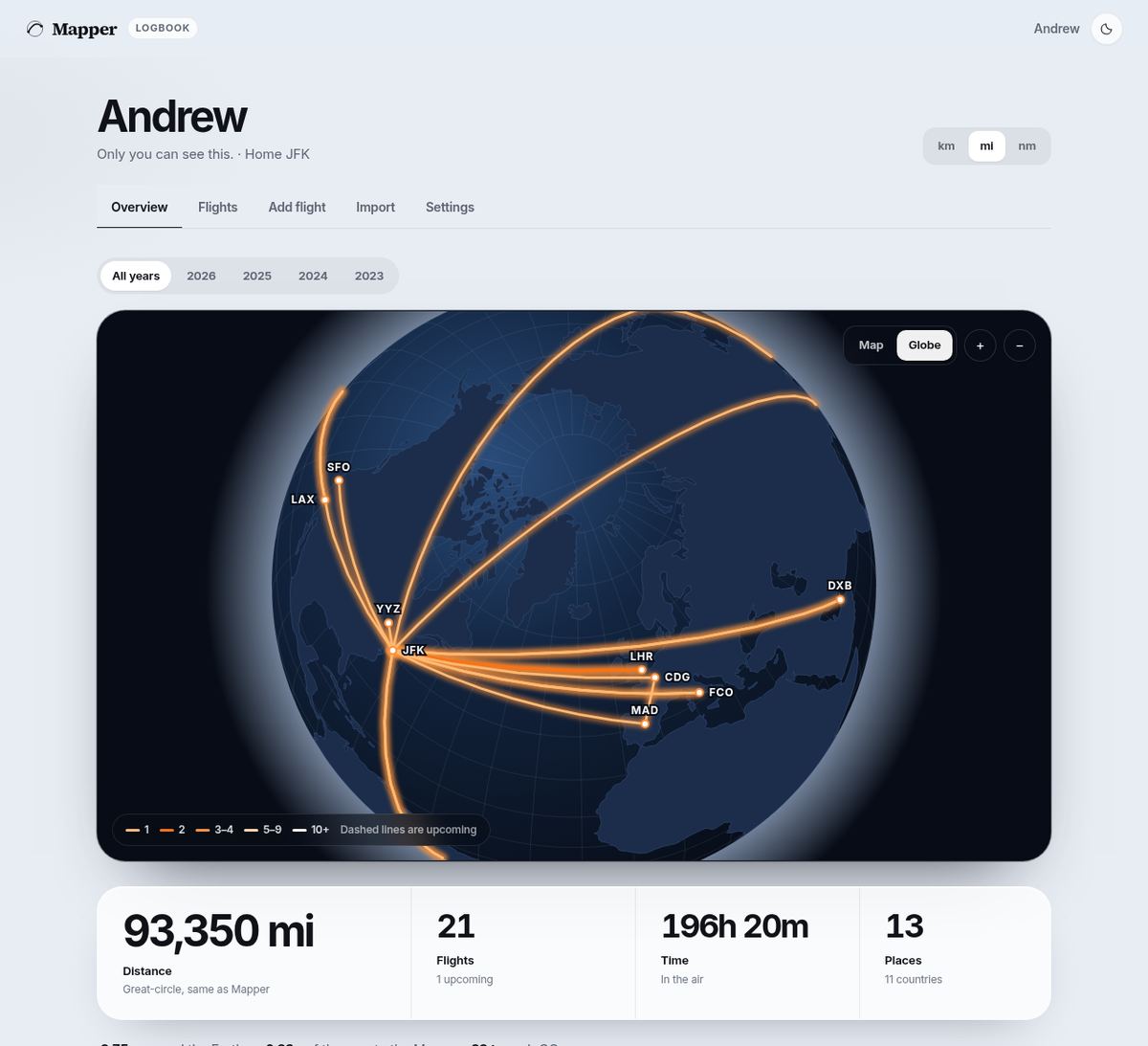
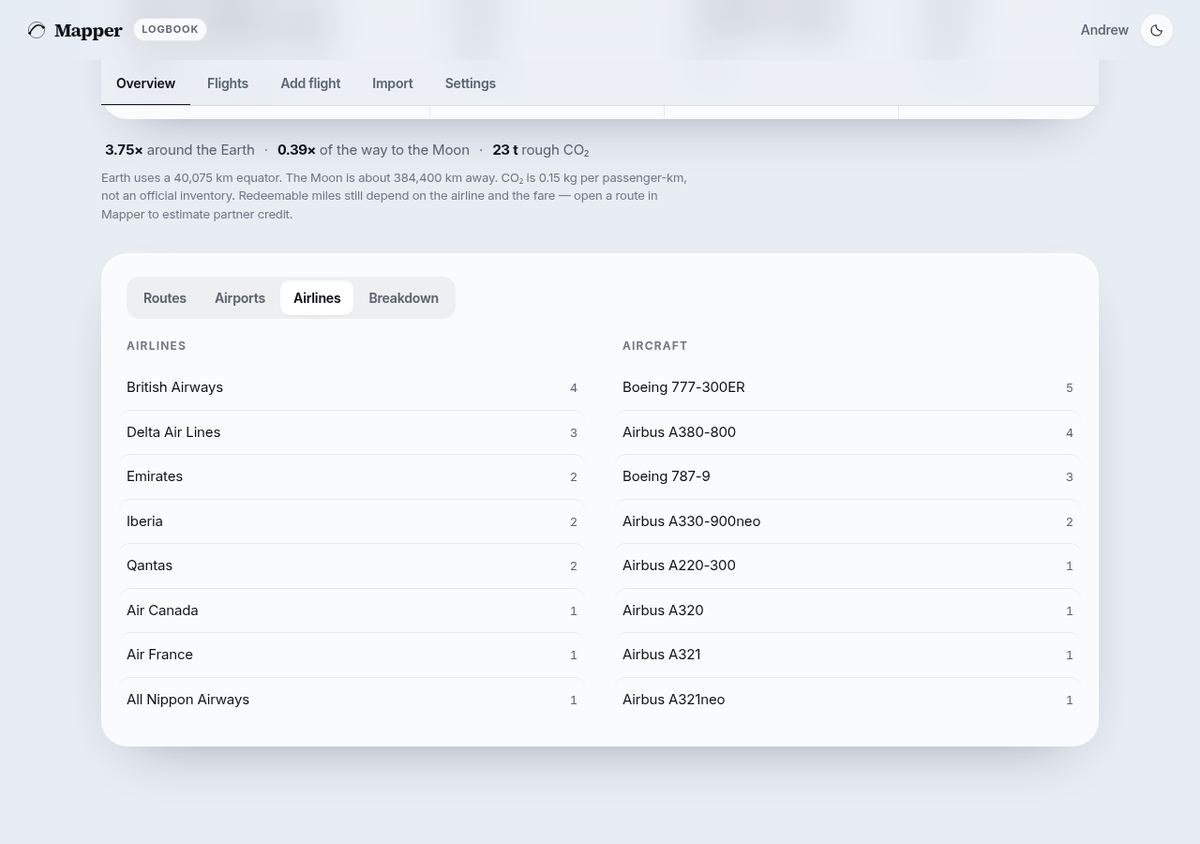
Distance is the great-circle mileage, in kilometers, miles, or nautical miles, the same figure Mapper uses on a route. The totals are flights, time in the air, airports, and countries, and a year filter narrows them. Under that are top routes, the longest and shortest flights, airlines, aircraft, and counts by cabin, seat, and reason.
02
Flight list
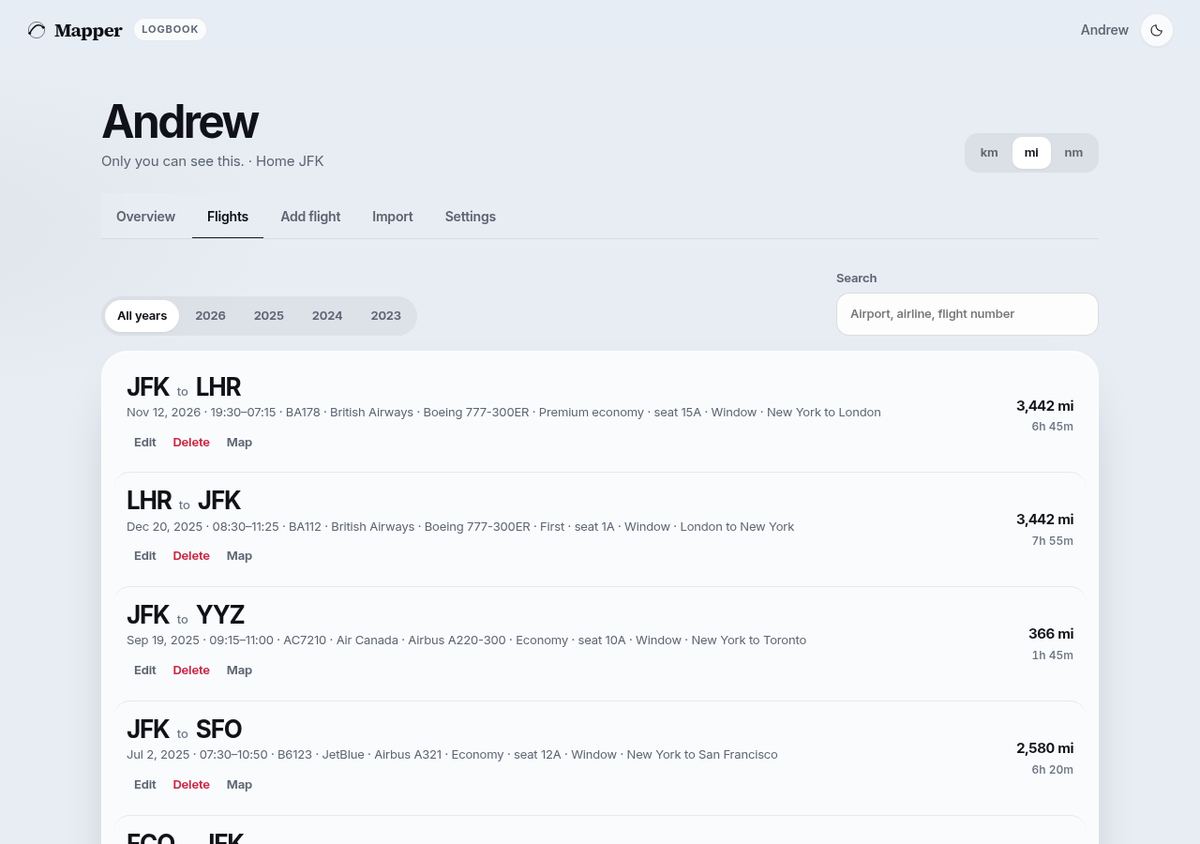
Flights are listed newest first, with the route, date, times, flight number, airline, aircraft, cabin, seat, and distance. Search by airport, airline, or flight number, and filter by year. Add a flight or edit one; a flight number can fill in the airline, and each row opens that route on the Mapper map.
03
Import
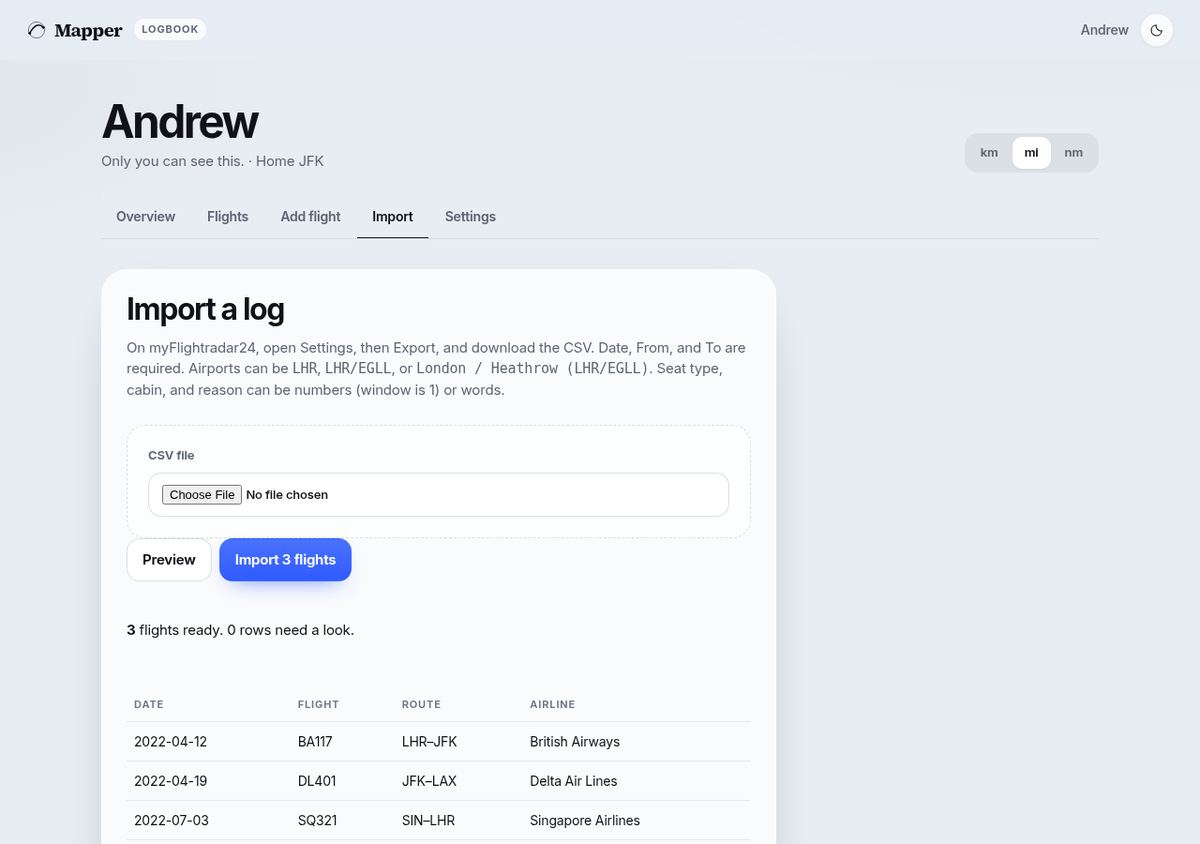
On myFlightradar24, open Settings, then Export, and download the CSV. Date, From, and To are required, and airline, aircraft, times, seat, cabin, and notes come along when those columns are present. Preview the file first: duplicate rows are skipped.
04
Private by default
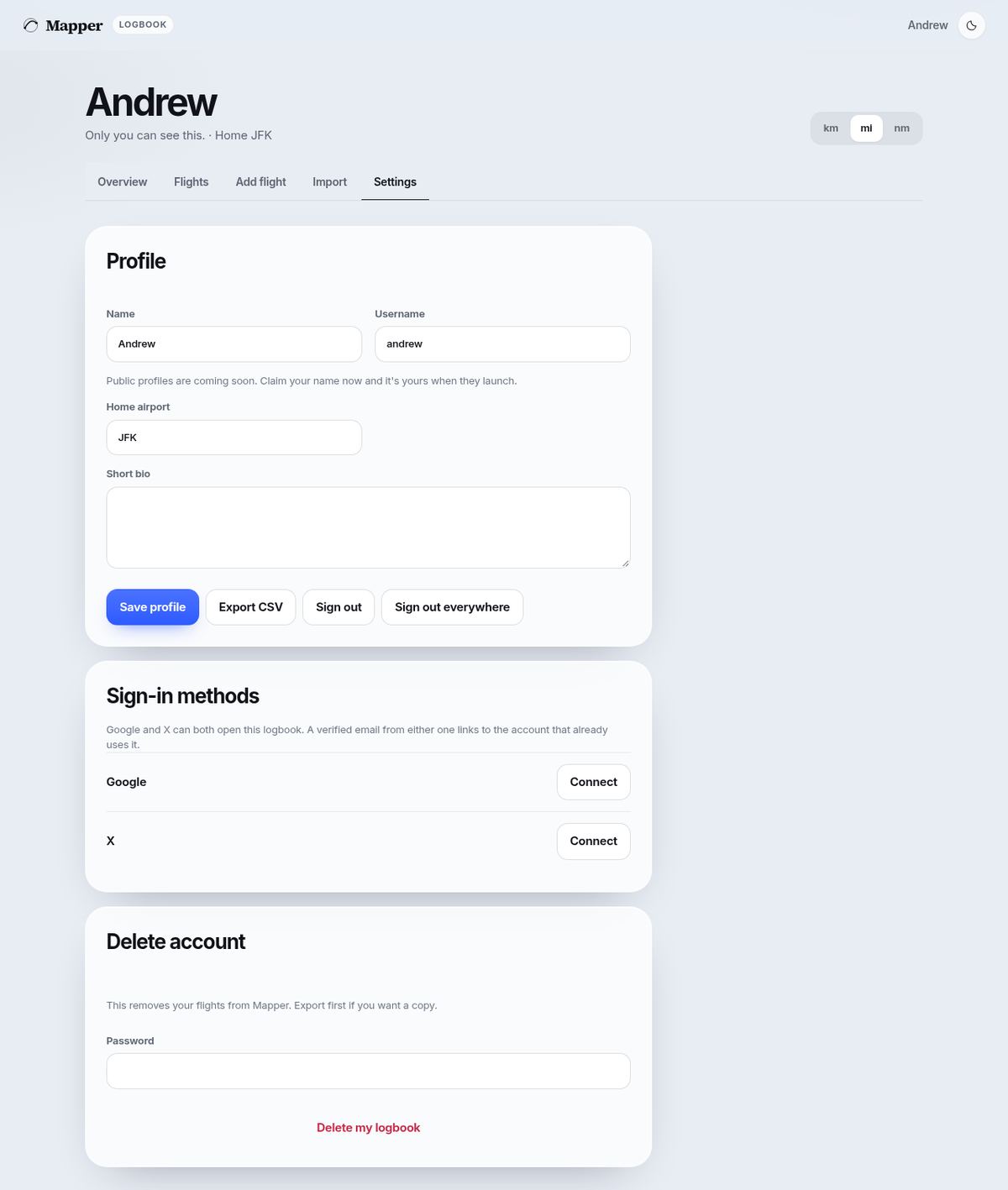
Only the signed-in account can see its flights, notes, seats, and tail numbers. Export a CSV anytime, or delete the account and the flights go with it.
Public profiles are coming soon, and they will be opt-in. Claim a username now. The name is stored and is not shown to anyone else until you turn a profile on.